UpWill

Release
notes.

What's new in the app, newest first.

31 October 2026

iPhone app 1.1

In the iPhone app you can now choose For my family when subscribing, keep a plan on your Home Screen or Lock Screen, ask Siri about a plan's next step, record a quick check-in from a notification and record voice notes up to 15 minutes. The app's own screens are now in all seven languages, and you can choose a time for a note reminder.
28 October 2026

UpWill on the App Store

The iPhone app is now available on the App Store for iOS 26 and later. Record a note from Siri, the Action button or Control Center, and share text from another app into your diary.

19 October 2026

12 October 2026

UpWill in German, French, Italian, Portuguese and Catalan

The app, its emails, the website and the guide are now also in German, French, Italian, Portuguese and Catalan. Choose your language in Settings → App language, or in the website's language menu. Notes are checked in English and Spanish; you can choose the other five for your notes too, though they haven't been checked yet.

11 October 2026

Three new kinds of plan

Three new kinds of plan

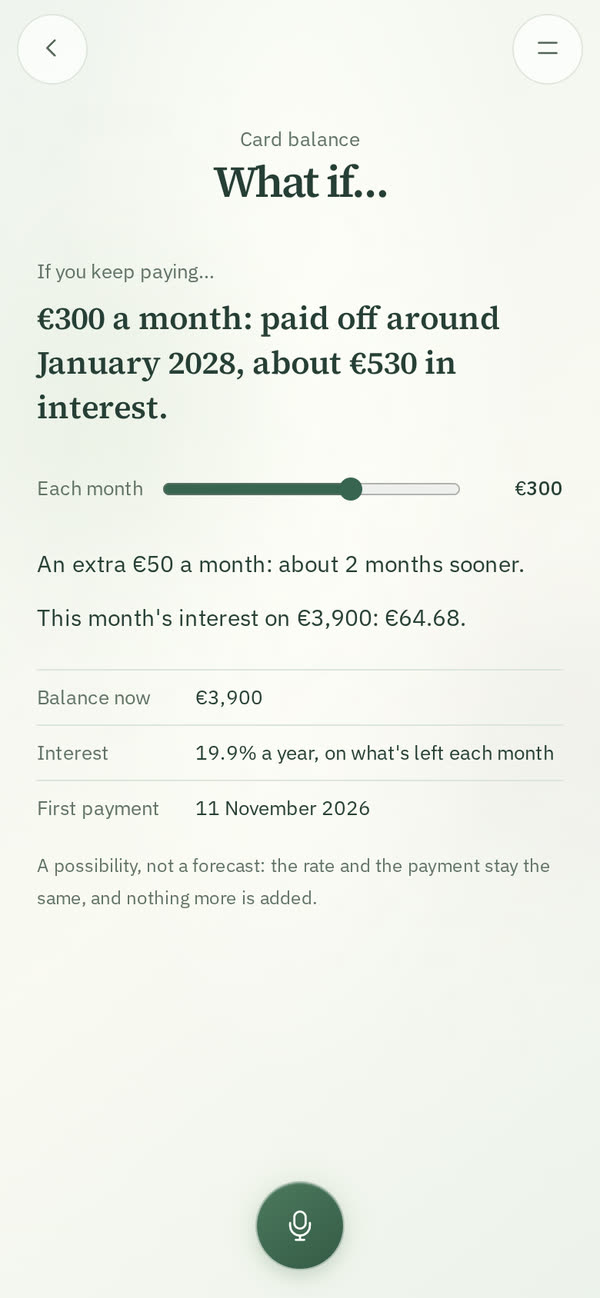
Finish something (a book, a course, a distance) counts how far along you are in its own unit. Pay something off follows a balance down to zero with each payment. Cover a stretch says how long money lasts through a time without income or with uneven income. Each has its own What if…: where your pace leads and what finishing by a date takes; when a regular payment would pay it off, and the interest when you give the yearly rate; how long the money lasts at its regular costs, with income you expect kept apart until it arrives. Arithmetic from your own plan, not a forecast.

Plans for asking, limits, needs and conversations

Plans for asking, limits, needs and conversations

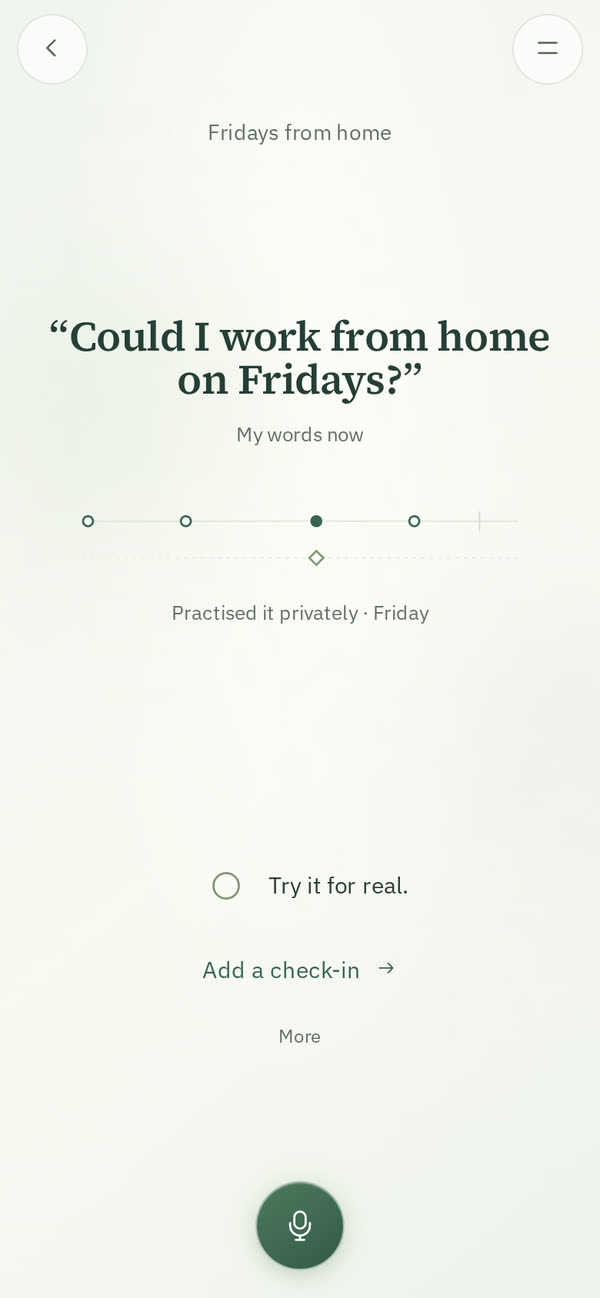
Ask for something, Ask for help, Set a boundary and Name a need now lead with your words as they are now, with earlier versions on More. What you prepared, practised privately or tried for real shows as a dated trail, with the other person's answer kept apart, and after you try it for real there's one optional question: what would you keep or change? Two new kinds join them: Work through a conversation and Clear up a misunderstanding. Your plans and everything you recorded before are still there.

Ask Claude or Grok about your notes

In Claude or Grok, ask in your words: “When did I last go to the dentist?” or “How much did I put into the trip in September?”. UpWill finds the notes with their dates and adds up what your plan recorded, and the assistant answers from them. How to connect: upwillapp.com/claude and upwillapp.com/grok.

Bills ready on time

An upcoming bill says what to set aside to have it ready by its due date, like “€42 a month gets €500 ready by 3 March”, and its What if… tries other amounts. My Plans shows the bills of the next three months in one line, and a note can change a bill's amount (“the insurance went up to €560”), with Undo.

Where each plan could go

Time, rest and focus-time plans have a What if… in More: how the time adds up by the end of the month, the year or a date you choose, from your plan's windows and from the minutes you've recorded, with a slider to try another amount. A savings goal's What if also shows when the goal would be reached at the pace you've recorded. Each is arithmetic from your own plan, not a forecast.

Updates for the day you mean

Say "I read on Monday and Tuesday, 20 minutes each" or "last night I slept six hours", and each update goes on the day you said, up to six months back. When a note says "last week" or "the other day", it asks which day, or you can keep it on today.

Correct an update by saying so

A note can change one of your earlier updates: "it was 40 minutes, not 20", "that 200 was for the trip" or "forget what I said about the gym". The note shows what changed, with Undo, and asks when it could mean more than one update. When you correct an update yourself, you can also move it to another plan or take it out.

Recordings up to 15 minutes

A voice note can now last fifteen minutes. In the last minute you see the time left, and at the end the recording saves itself.

Your week, shorter when little happened

Your week shows only what was recorded. Plans with an update come first, one at a time; the others share one screen with the day each was last recorded and its next step, to leave as they are or look at one by one. The last screen shows the week ahead and your main plan's next step.

Your notes, read before Your week, if you want

In Settings → Read my notes for Your week, you can let UpWill read the week's notes a few hours before Your week. On a plan it may then show a line you wrote, such as a step that looks done, and the choice stays yours. Most weeks there's nothing to add. It stays off unless you turn it on.

10 October 2026

A step that fits now

A step that fits now

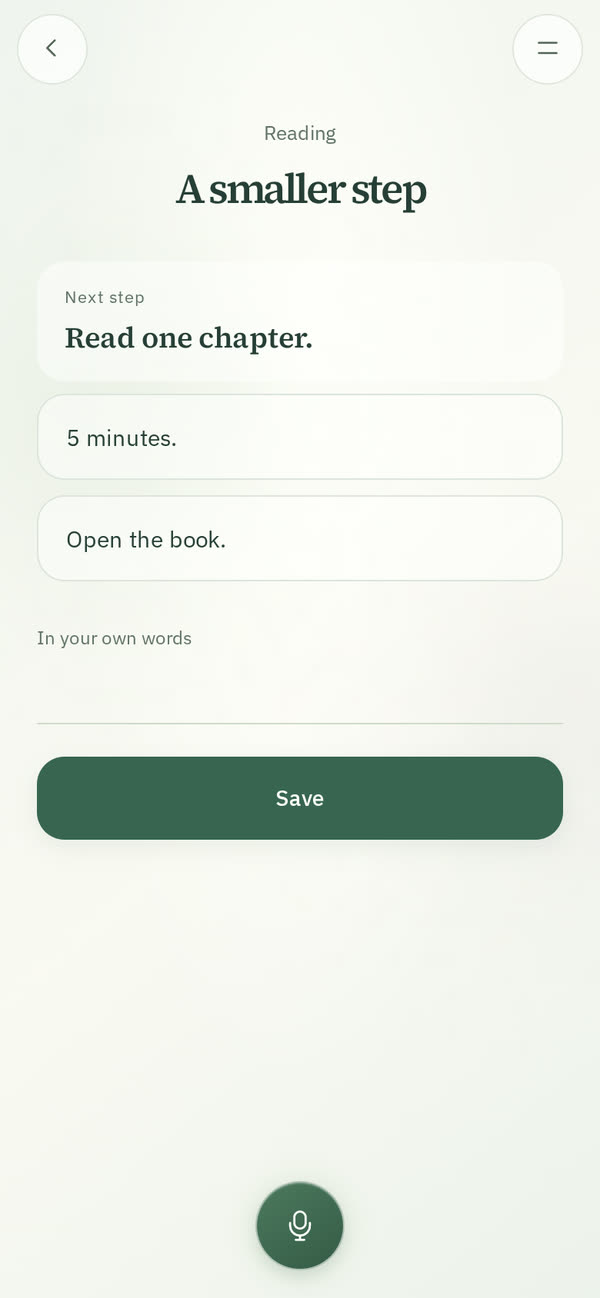
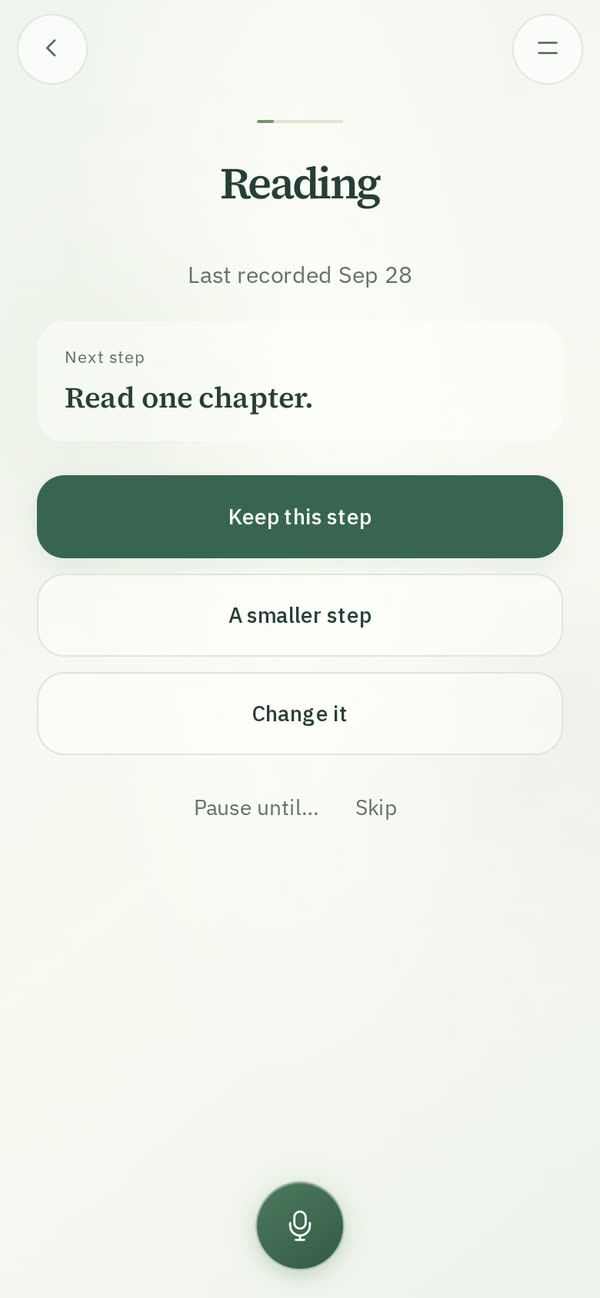
When a plan has had no update for a week, its page offers to keep the step, choose a smaller one or pause the plan until a day. A smaller step comes from a few ready choices for that kind of plan, or from your own words, and a changed step can be undone.

Pick up your plans

Pick up your plans

After more than a week without a note or an update, My Diary and the page for a new note show one quiet line: Pick up your plans. It goes one plan at a time, with the day something was last recorded and its step: keep it, choose a smaller one, change it or pause it. Not now puts it away, and writing a note works as on any day.

9 October 2026

Suggest a feature

Suggest a feature

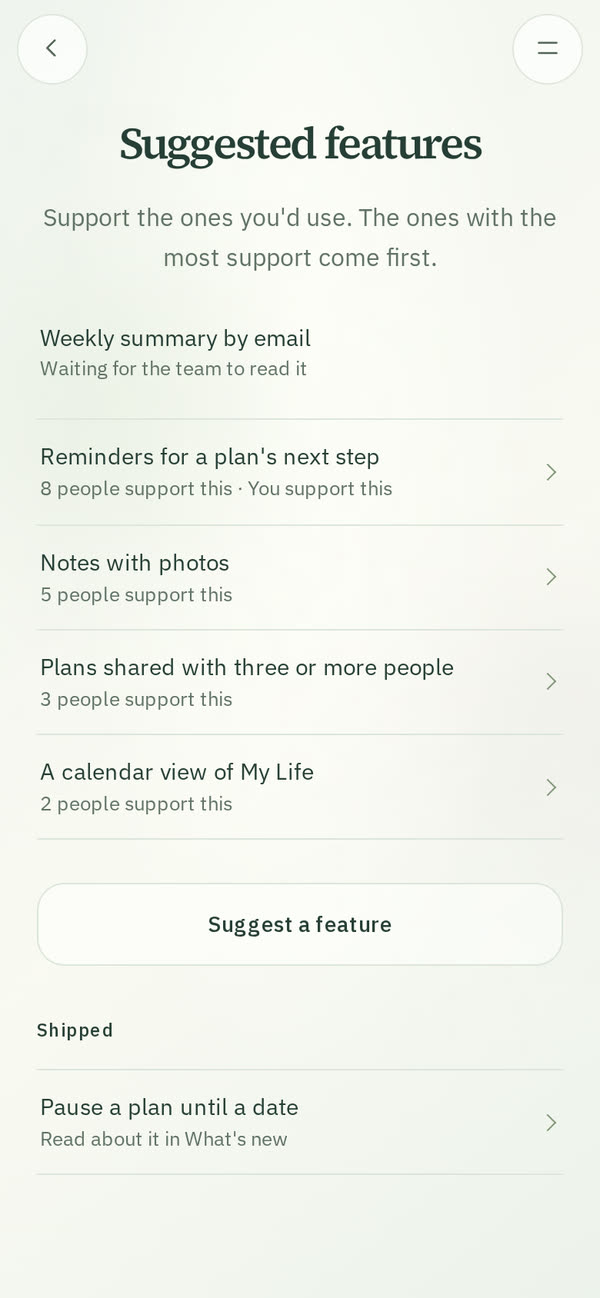
In Settings → Suggest a feature, suggest something you'd like UpWill to do, and support what others suggested, with an optional message only the UpWill team reads. Others see a suggestion once the team has read it; the ones with the most support come first.

8 October 2026

The family plan

The family plan

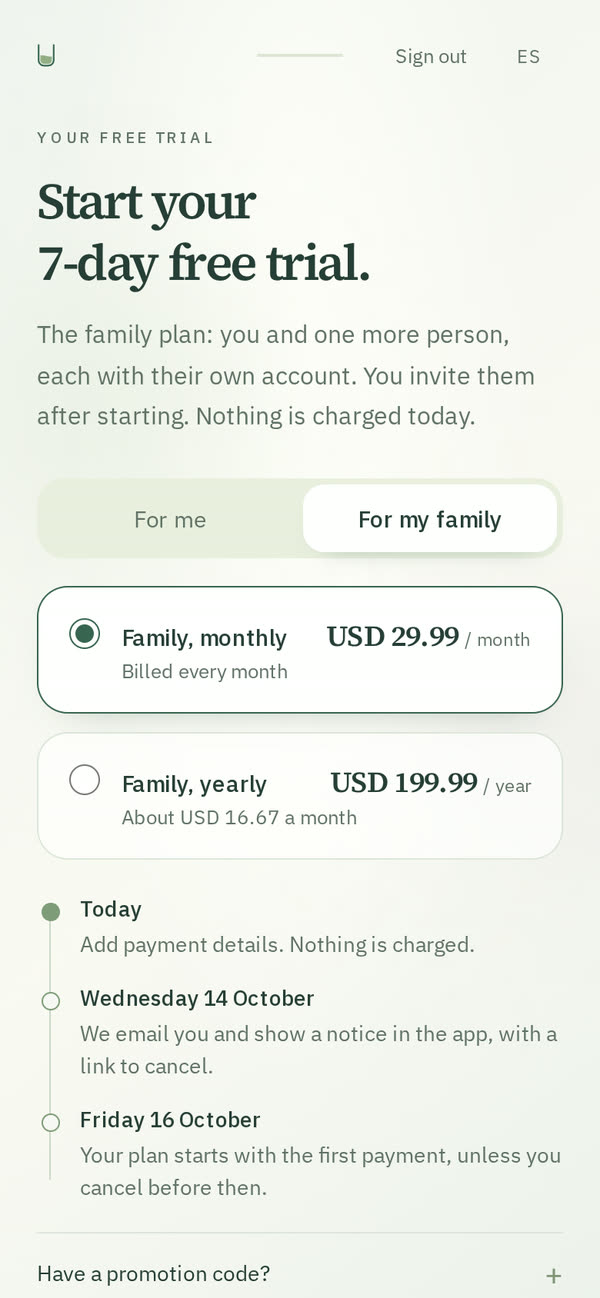
On the website, choosing a plan starts with For me or For my family. The family plan is for you and one more person, each with their own account, notes and plans; invite them with a link from Settings → Subscription.

Share a plan

Share a plan

From a plan's More, invite one person who uses UpWill with a link. You both see the plan, its updates with who added each, and its next step, and both can add to it, pause it or mark it done. Your notes stay private.

Pots

Pots

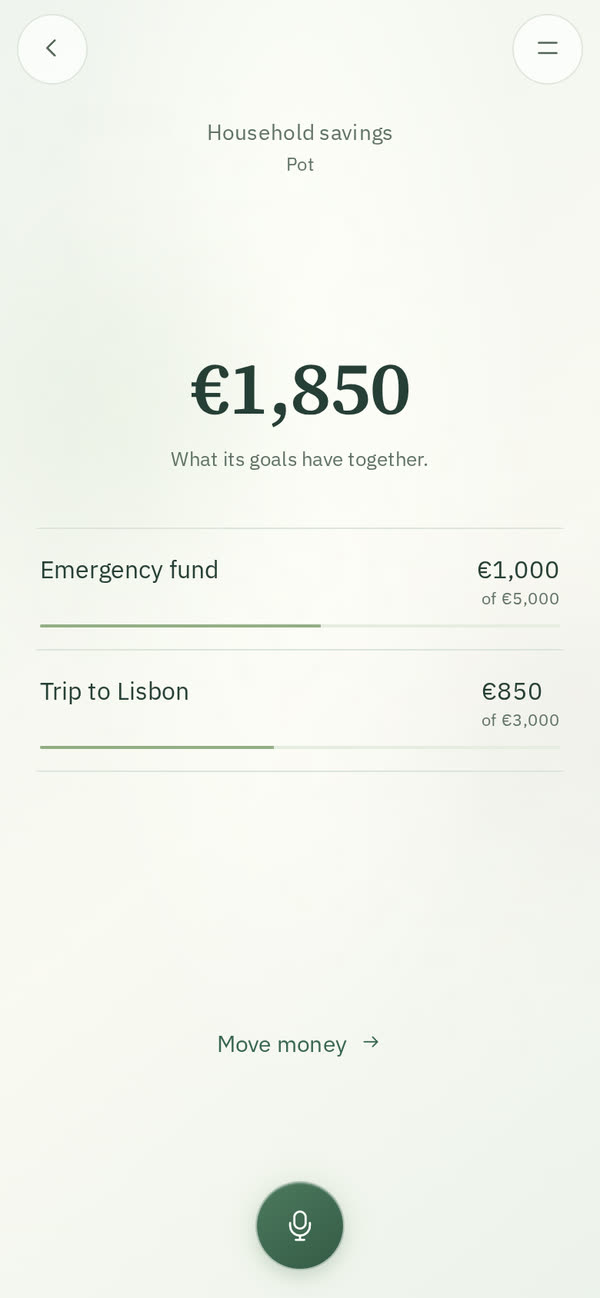
Put savings goals in one pot to see the total and how much each goal has. Move money between them from the pot or with a note, like “move 200 from trip to emergency”, with Undo. A pot of goals you share is shared too.

6 October 2026

4 October 2026

Paste a list

Paste a list

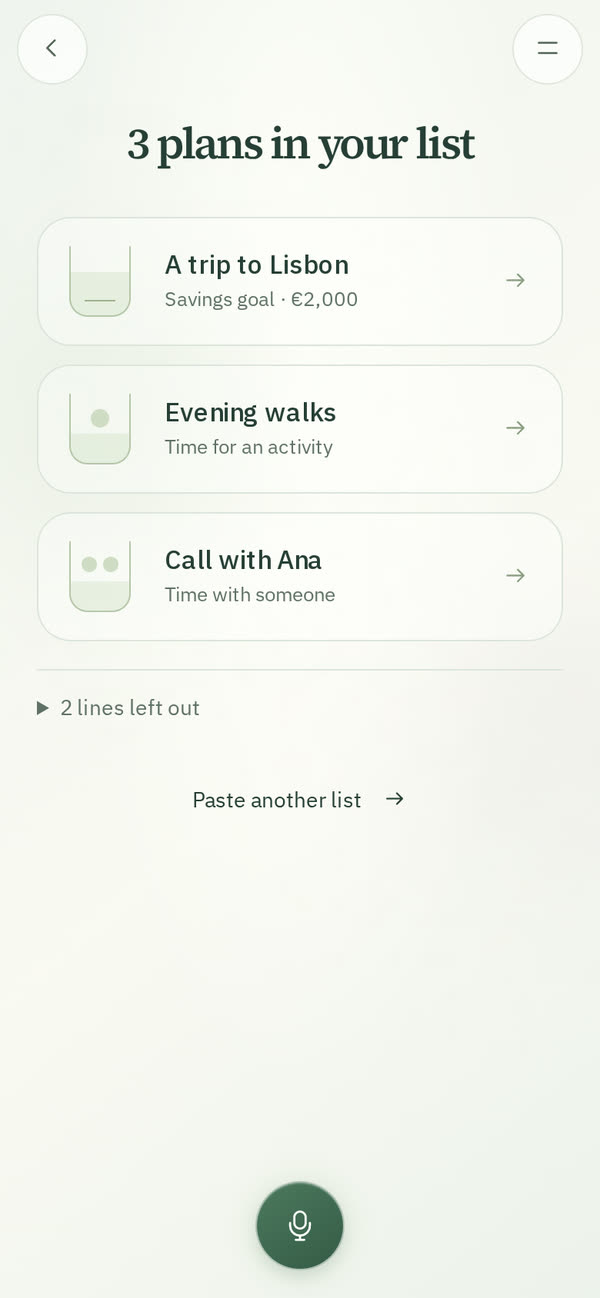
In Explore, paste lines from Notes, Reminders or Todoist. UpWill shows the ones that read like a plan, each with its kind and what the line already says, like an amount in euros. Start the ones you want, one at a time, or all at once when nothing is left to answer. Nothing starts until you choose.

Tags and filters in My Diary

Tags and filters in My Diary

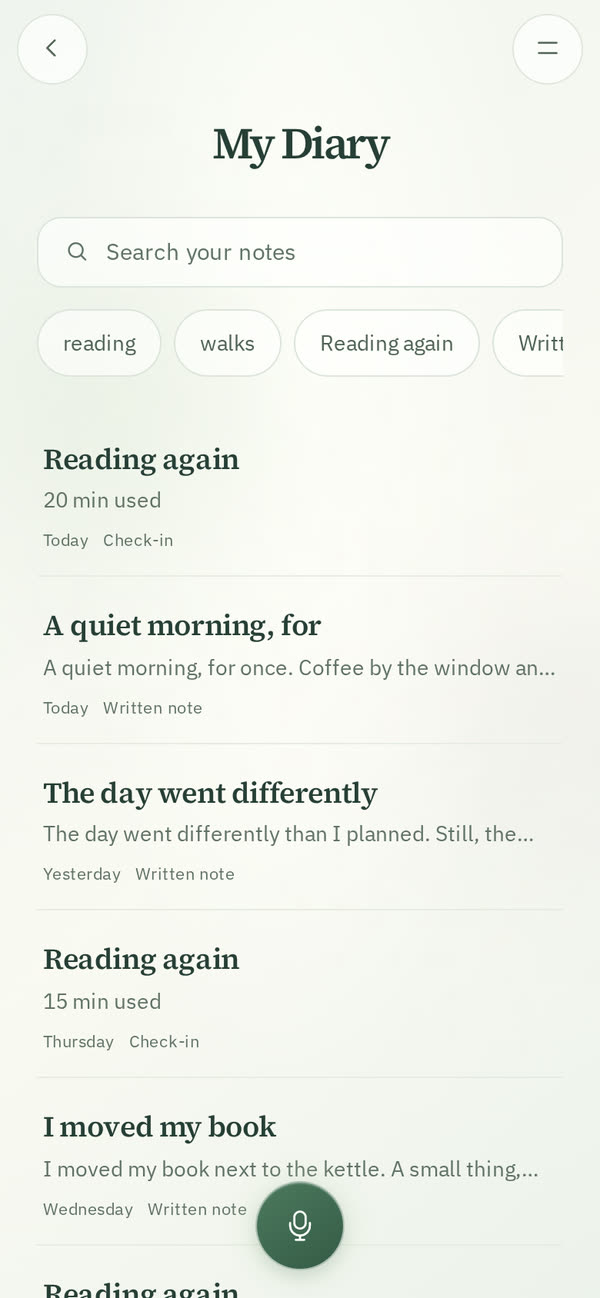
Each note gets a few tags when it's read, and a #word you write is a tag too. Under the search, filter My Diary by tag, plan, kind of note or dates. Filters combine, and one tap takes one away.

3 October 2026

Bills that come back

A bill can come back each month, every few months or each year: choose it under its due date. Paying it, or its due date passing, starts the next round with the same amount, and the plan keeps each round with what paid it. A note that says you paid it counts too.

Dates that repeat

A time window or cover on a date can repeat: every other week, the same date or weekday each month, or each year. The plan's page shows the next date and the one after.

Pause until a date

Pause a plan until a date, and it comes back by itself that day. Or pause it until you resume it, as before.

Done plans

Plans you mark as done move to Done, at the end of My Plans, each with its dates, chart and what happened. Restore one to bring it back.

Your week

Your week is a short look back, one plan at a time: what was recorded this week, then keep its next step, mark it done, change it or pause the plan. Skip any plan; if you stop, it continues where you left off that week.

In Claude's directory

UpWill is in Claude's directory of connectors: in Claude, open Customize → Connectors, choose +, find UpWill and connect it.

2 October 2026

1 October 2026

Your first plan in a minute

Your first plan in a minute

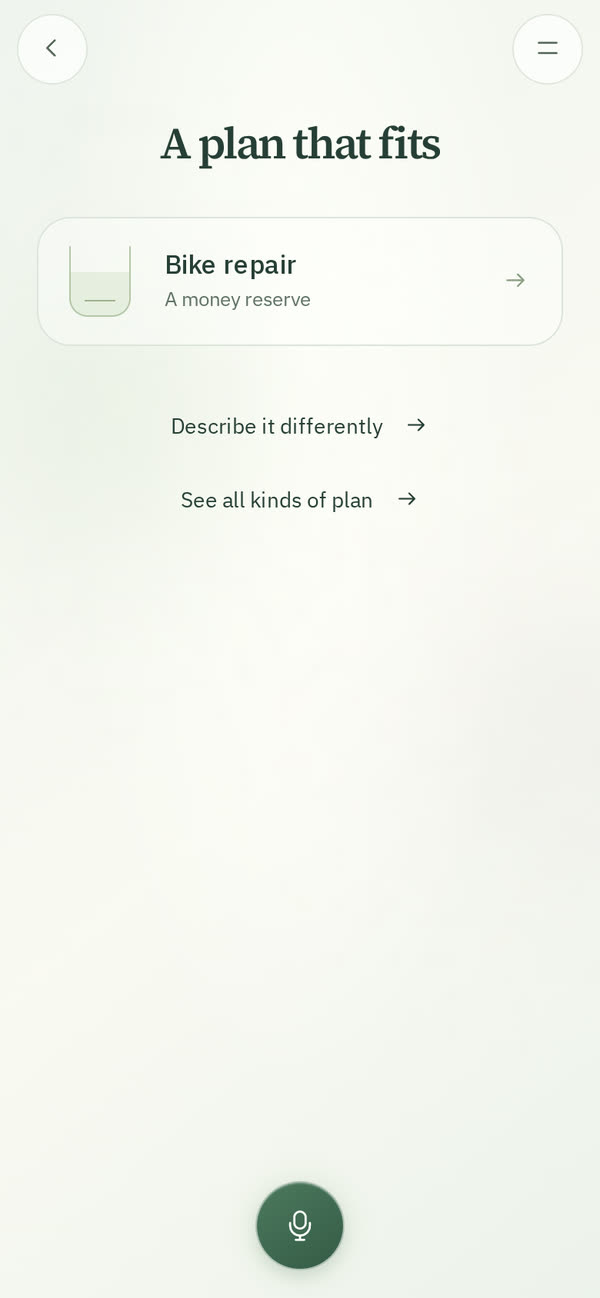
At the end of getting started, or in Explore, say or write what you'd like to make possible. UpWill finds the kind of plan that fits and opens its setup with what you said filled in.

Search your notes

Search your notes

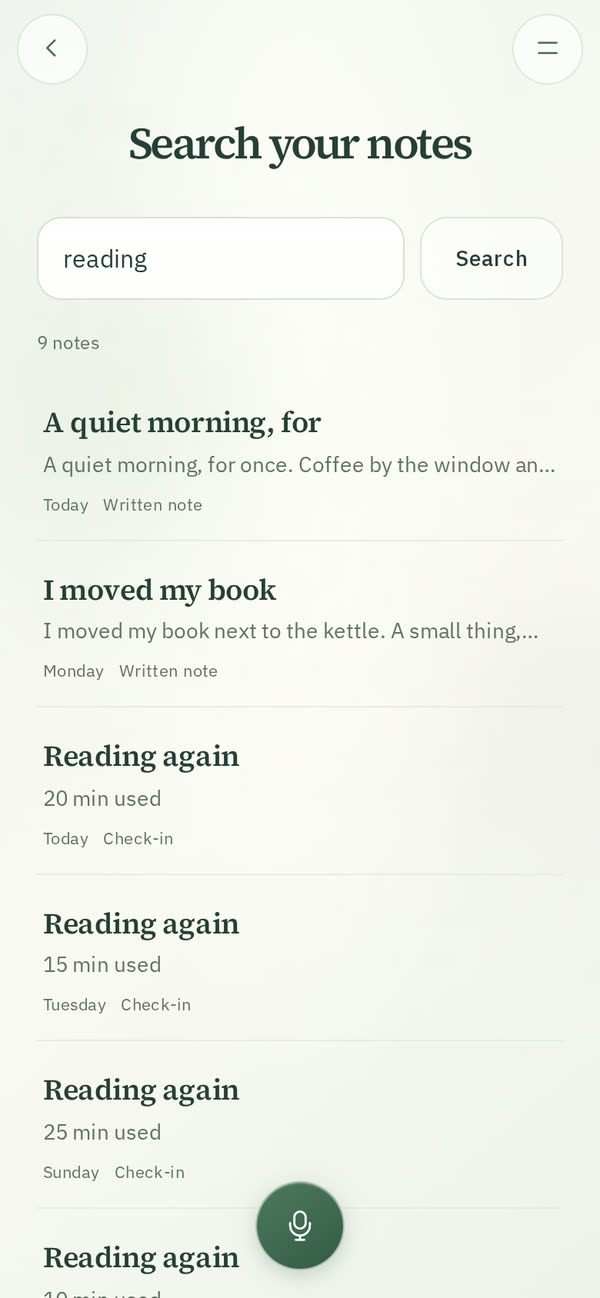
From My Diary: by their words, their title, a plan they updated, or what they're about, in English or Spanish. Searching “money” also finds a note about rent.

Bring notes from another app

Bring notes from another app

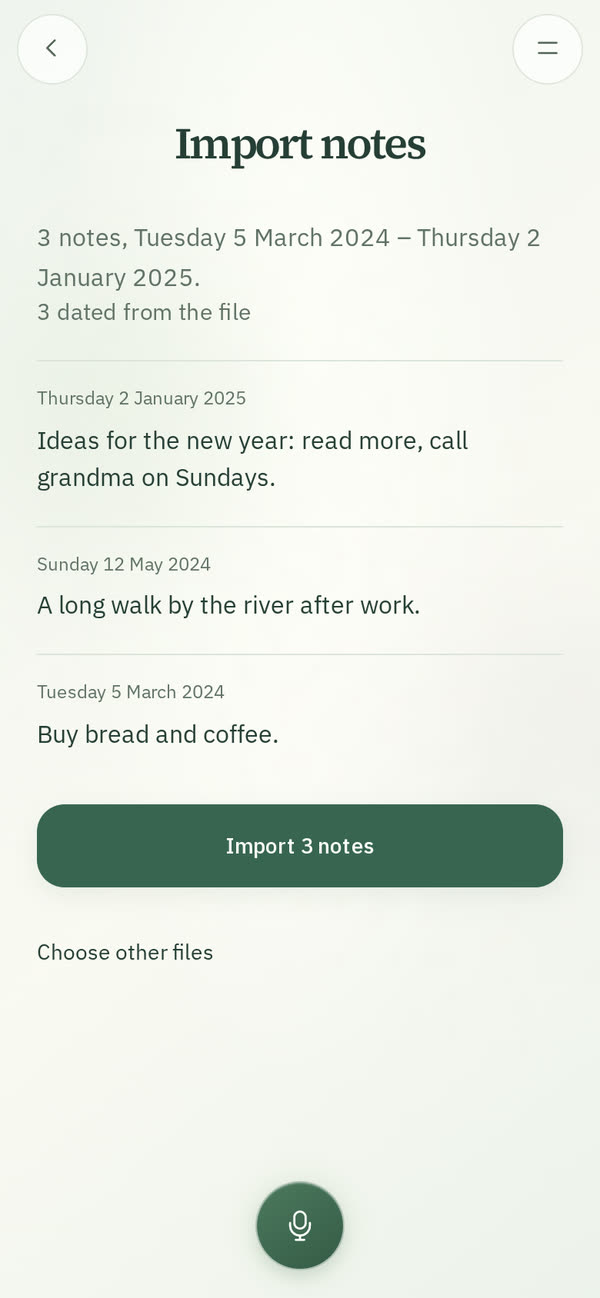
In Settings → Import notes: text or Markdown files, or a ZIP of them, each dated from its file. You see what was found before anything is saved; imported notes get titles and search words, and never change your plans.

Invite a friend

Invite a friend

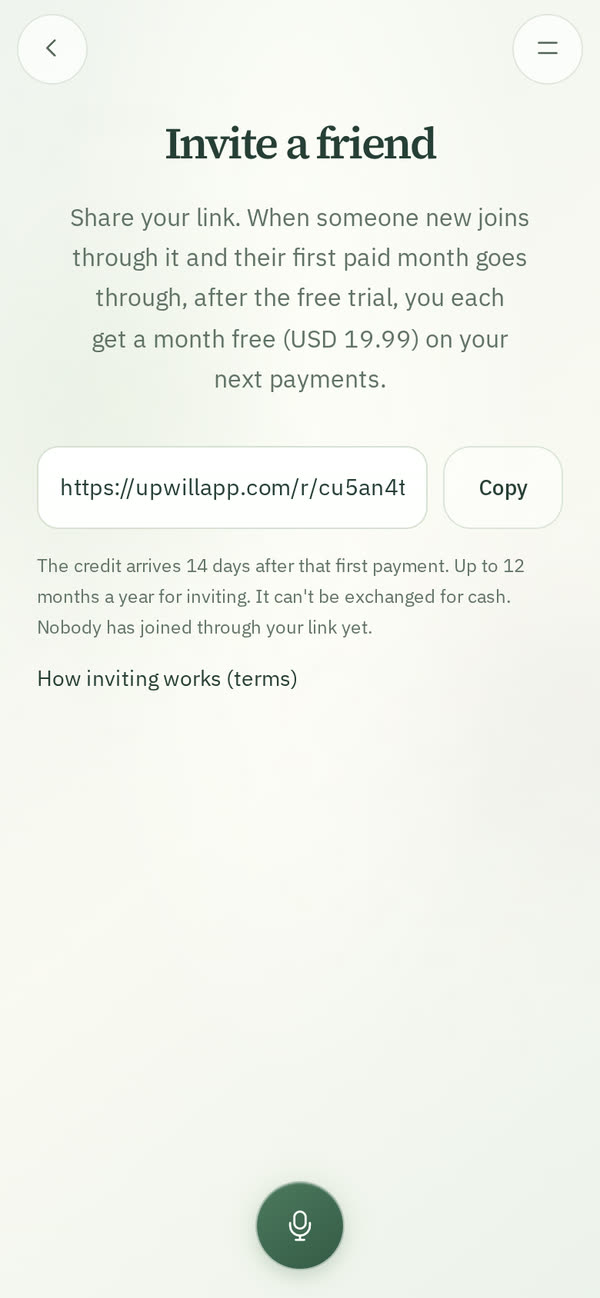
In Settings → Invite a friend: share your link, and when someone new joins through it and their first paid month goes through, after the free trial, you each get a month free.

On a computer

On a computer

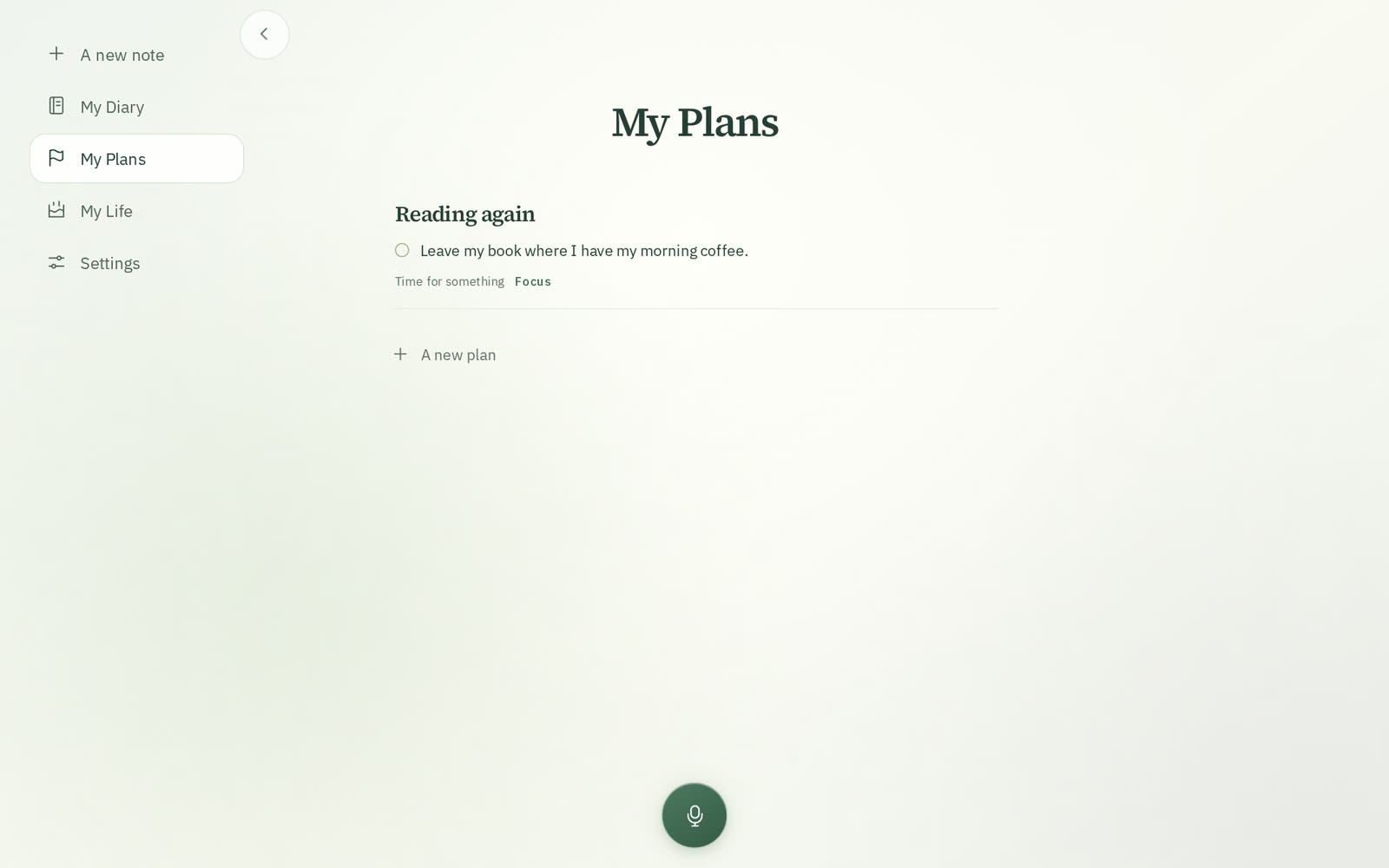
The app keeps its places in view on the left: a new note, My Diary, My Plans, My Life and Settings. On a phone they stay in the menu, whose button is easier to see.

Try it before an account

Try UpWill on the website before creating an account: write or say what you'd like to make possible and see the plan it would set up. Nothing is kept; if you start the trial, your words wait in your browser to fill in your first plan.

UpWill in Spanish

The UpWill website in Spanish, with clips recorded in the app in Spanish: upwillapp.com/?lang=es, or ES at the top of the page.

A guide to planning

A guide on the website: how to plan something you'd like to do, a next step with a when, full weeks, keeping track without scores and looking back, with what research found, plus a page for each kind of plan with its examples.

30 September 2026

UpWill in Claude

UpWill in Claude

In Claude, open Customize → Connectors, add a custom connector with the address https://upwillapp.com/mcp and approve it in UpWill. Claude can then add notes to My Diary (UpWill reads them as always, with Undo), show your plans, days and week, and change a plan when you ask. Disconnect it any time in Settings → Connected apps.

A new My Life

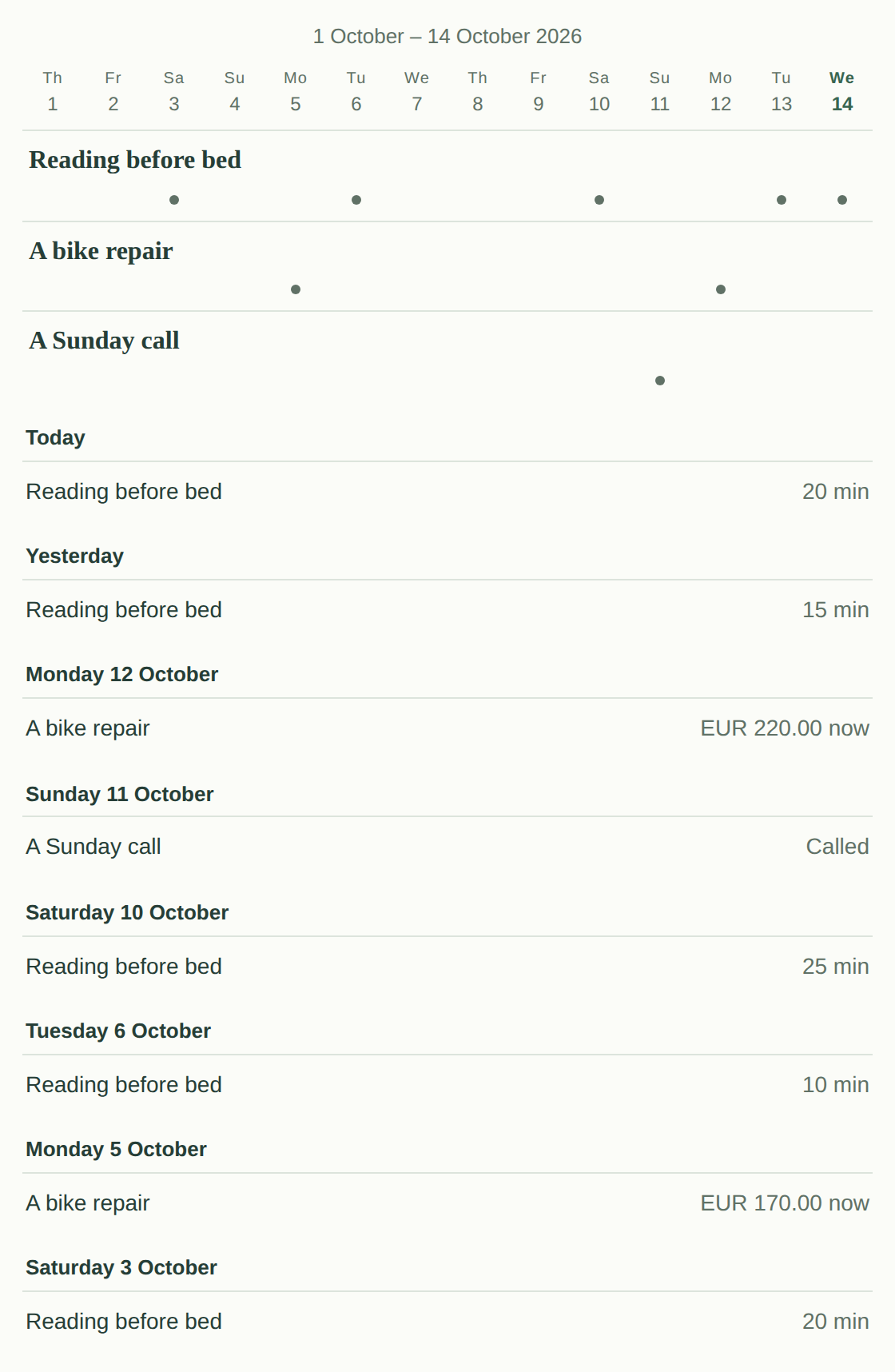
Two weeks at a time, each plan in its own row. Tap a day to see what you recorded.

Ideas from your notes

My Plans shows ideas from your recent notes under your plans. Tap one to set it up, already filled in from what you said.

29 September 2026

A calmer plan page

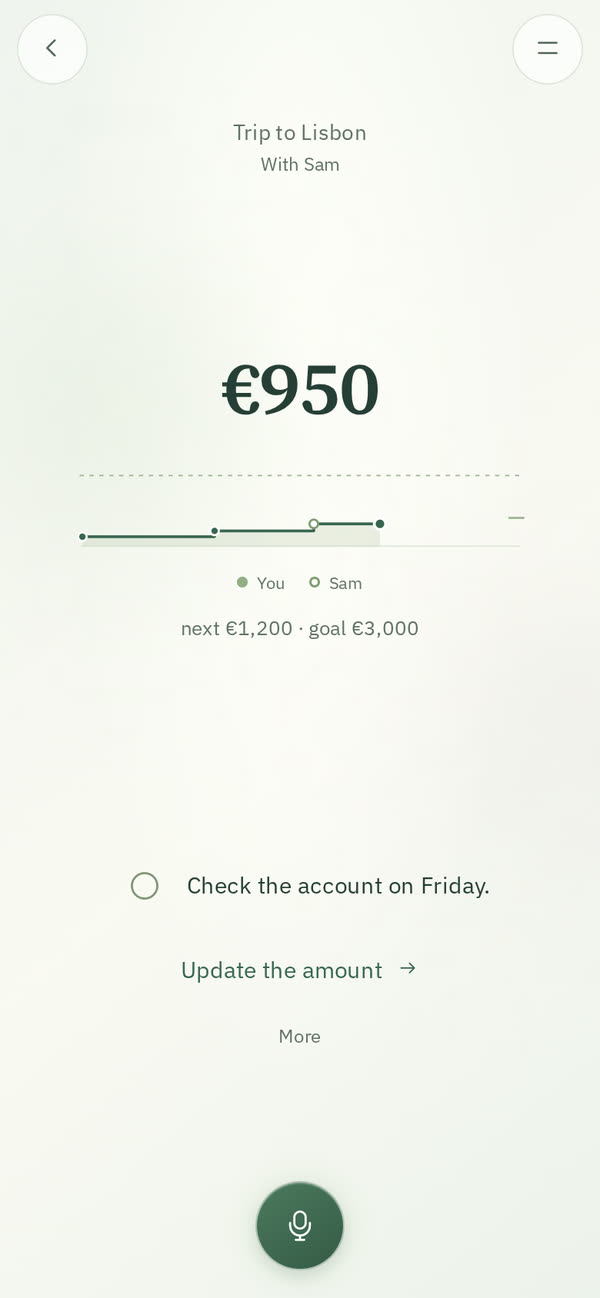
How much there is, a thin line toward your goal with the next milestone marked, your next step and one action. Everything else is on More. A money reserve counts what you add and take out.

28 September 2026

Clear updates, with Undo

Clear updates from your notes are added to your plans right away, with Undo. When a note isn't clear, UpWill asks first.

27 September 2026

UpWill opens to everyone

With a 7-day free trial. Hold the microphone and talk about your day, or write; your words appear as you speak.